transcribe

Compare your options

Find a transcribe alternative free for your recording

A free transcription route is useful only if it fits your audio, your editing time, and your privacy needs. Start with the recording you have, then choose between a browser draft, careful manual transcription, or a technical speech-to-text workflow.

Match the method to the recording

Pick based on what must be correct in the final text, not just how quickly a first draft appears.

Interviewer

You have a clear, short conversation and need a readable draft to review against the audio.

Pick browser transcription first. Check speaker changes, names, and quotations before using the text in a story; an automatic draft is a starting point, not a verified record.

transcribe vs transcript

Researcher

You need exact wording from a difficult recording, including pauses or terms that recognition may miss.

Pick manual transcription with repeated listening. It takes more attention, but you can set your own notation rules and mark anything you cannot hear rather than guessing.

transcribe vs transcript

Developer

You process many recordings and need to decide how recognition fits an existing technical workflow.

Evaluate a speech-recognition system before committing. Test it with representative audio and account for setup, review, and the handling of files alongside recognition quality.

aws transcribe vs whisper

Privacy-conscious note-taker

A recording contains material you are not permitted to send to an unfamiliar service.

Keep it in an approved environment and transcribe manually or use an approved local workflow. Convenience does not override consent, retention requirements, or your organization's rules.

aws transcribe vs whisper

Test your pick before transcribing everything

A small, representative sample exposes problems that a clean opening minute might hide.

Choose a difficult sample

Select a passage with the accents, background noise, overlapping voices, or specialist terms that appear elsewhere in the recording. If those problems are absent, choose an ordinary passage and note that your test may not represent harder sections.

Make a draft

Use the route that fits your scenario. For a browser tool, begin with audio you are allowed to submit; for manual work, listen in short segments. Keep the original recording available for comparison rather than treating the draft as evidence on its own.

Count the corrections

Review names, numbers, speaker turns, and unclear words against the audio. If fixing the sample takes longer than typing it yourself, switch methods. Record your formatting decisions so the rest of the transcript stays consistent.
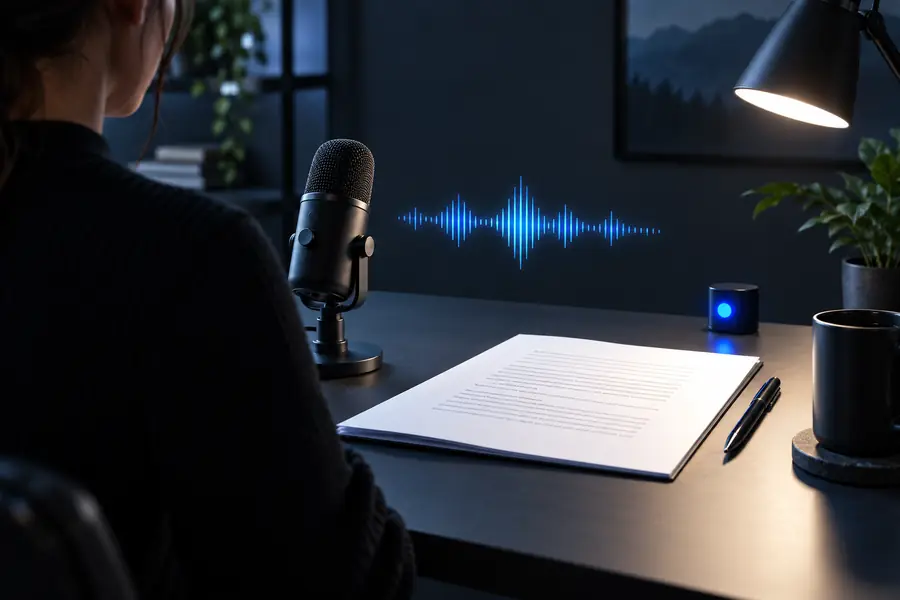
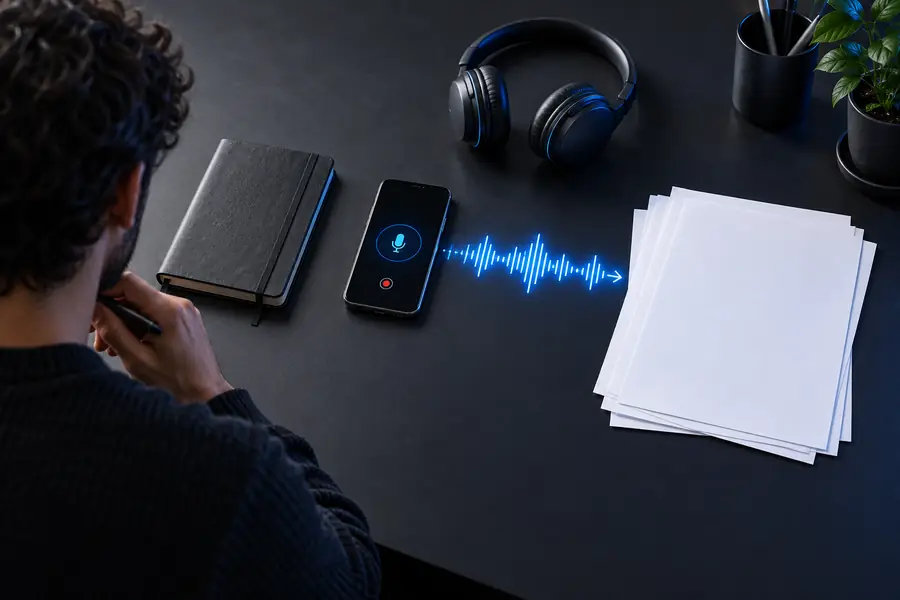
Capability matrix: from recording to usable text

The useful comparison is not audio versus text alone; it is raw input versus a draft that has been checked for its intended use.

Recording and rough draft

Microphone and document representing a recording awaiting transcription
Transcription editor showing a document being reviewed
Reviewed working transcript

This illustrates a workflow, not a guaranteed automatic transformation. A readable transcript still needs a person to resolve uncertain words and decide how to represent speakers, punctuation, and non-speech sounds.

Capabilities side by side

A browser-generated draft and a manual transcript solve different parts of the same job. The better choice depends on the source and the accuracy you need.

Browser transcription draft Manual transcription
1

Getting started

Browser transcription draft

Submit permitted audio and review the resulting draft.

Manual transcription

Listen, pause, replay, and type from the original recording.

2

First pass through clear speech

Browser transcription draft

Produces text you can begin checking without typing every word.

Manual transcription

Requires you to listen and enter the words yourself.

3

Names and specialist vocabulary

Browser transcription draft

May substitute plausible but incorrect words; verify them against the audio.

Manual transcription

You can research and annotate terms as you hear them.

4

Overlapping speakers

Browser transcription draft

Speaker attribution may be unreliable; inspect each disputed turn.

Manual transcription

You can replay the overlap and mark speech as unclear where necessary.

5

Notation choices

Browser transcription draft

Edit the draft to match your rules for pauses, fillers, and timestamps.

Manual transcription

Apply your chosen notation while transcribing.

6

Sensitive material

Browser transcription draft

Check where audio is processed and whether submission is permitted before using any service.

Manual transcription

Can stay within your approved environment if you handle the files accordingly.

7

Best-fit outcome

Browser transcription draft

A quick starting draft for audio that can be submitted and carefully reviewed.

Manual transcription

A deliberate record when detail, notation, or file-handling restrictions dominate.

Shared pitfalls

No transcription method removes the need to understand what the recording does and does not establish.

Neither method recovers missing speech

A clipped word or voice buried under noise cannot be made certain by a fluent-looking draft or repeated listening. Guessing can turn an unclear passage into a false quotation.

WorkaroundMark uncertain passages, preserve the source audio, and ask the speaker for clarification when possible.

Speaker labels need checking

Similar voices, interruptions, and off-mic comments make attribution difficult. A transcript can look orderly while assigning an important statement to the wrong person.

WorkaroundReview each change of speaker against the recording and use an unknown-speaker label when identity cannot be established.

Formatting is a separate decision

Verbatim speech, lightly edited notes, and publication-ready quotations are different outputs. A transcription route cannot decide which changes your use case permits.

WorkaroundChoose a style before editing and keep the original wording accessible when making a cleaned-up version.

Free does not establish privacy

Whether a route is suitable for confidential audio depends on its actual file handling and your permissions, not on the absence of a charge.

WorkaroundCheck applicable policies before submitting audio, or use an approved manual or local process.

Our tradeoff

Start with a draft, keep control of the final words

transcribe offers a straightforward route when you want to turn permitted audio into text to review. It is not a substitute for listening back, resolving ambiguous passages, or choosing an approved process for sensitive files. If your test sample needs extensive repair, manual transcription may be the more practical free alternative.

  • Test representative audio first
  • Verify quotations and speaker labels
  • Keep the recording for review

Comparison FAQ

For clear audio you are allowed to submit, a browser transcription tool can provide a draft to correct. Manual transcription is another free route if you can spend time listening and typing, especially when the file must stay in an approved environment.

Do not assume it is. Check names, numbers, quotations, and speaker labels against the recording, and mark words you cannot verify rather than filling them in from context.

Manual work is a sensible choice when submission is not permitted, the audio is difficult, or you need precise notation. Try a representative passage first: if repairing an automatic draft takes more effort than typing it, change routes.

Only if its file handling meets your permissions and applicable rules. If you cannot establish that, do not submit the recording; use an approved local or manual process instead.

Run the same representative passage through each permitted route and compare the finished text after review, not just the first draft. Note how long correction takes and whether each route handles your speaker changes, terminology, and file requirements.

Try transcribe
Try transcribe