1
Speech
Video recording
Heard in the audio track
Text transcript
Written as words for reading and search
Video transcription
Turn spoken content from a video into words you can search, edit, and share. Keep the recording nearby: a transcript captures speech, not everything happening on screen.
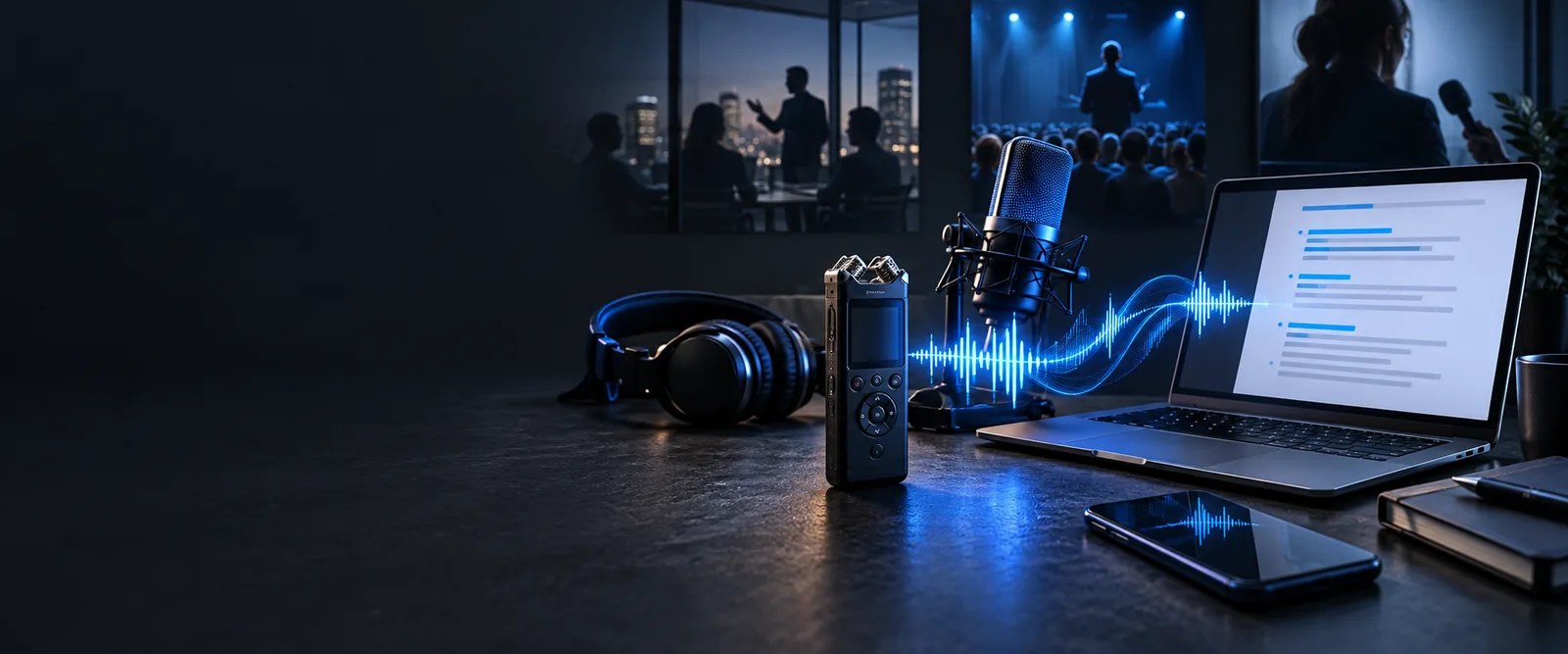
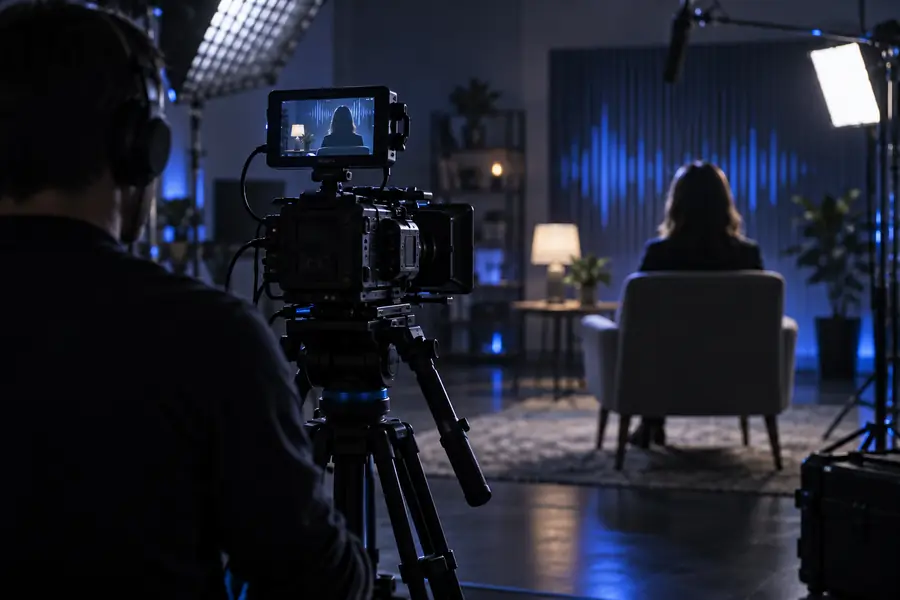
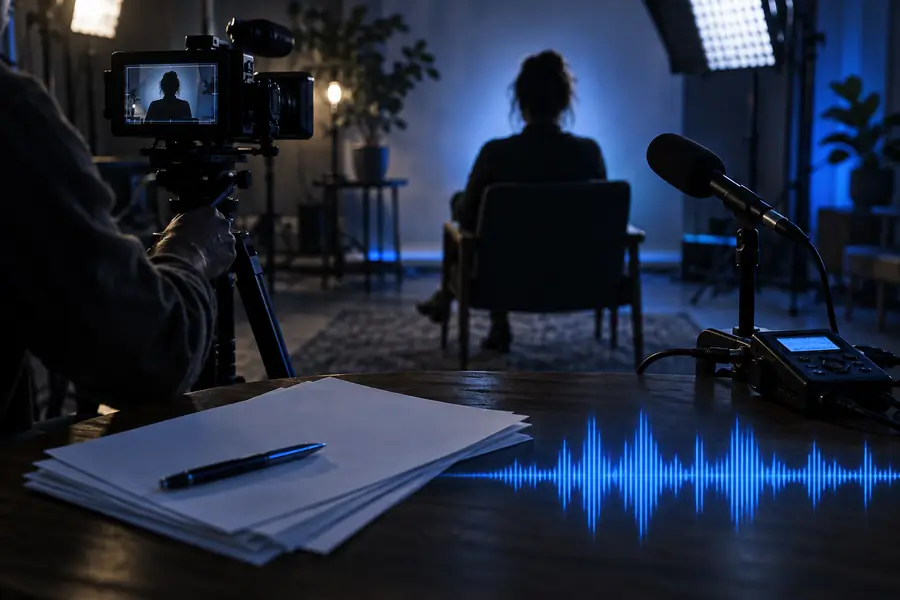
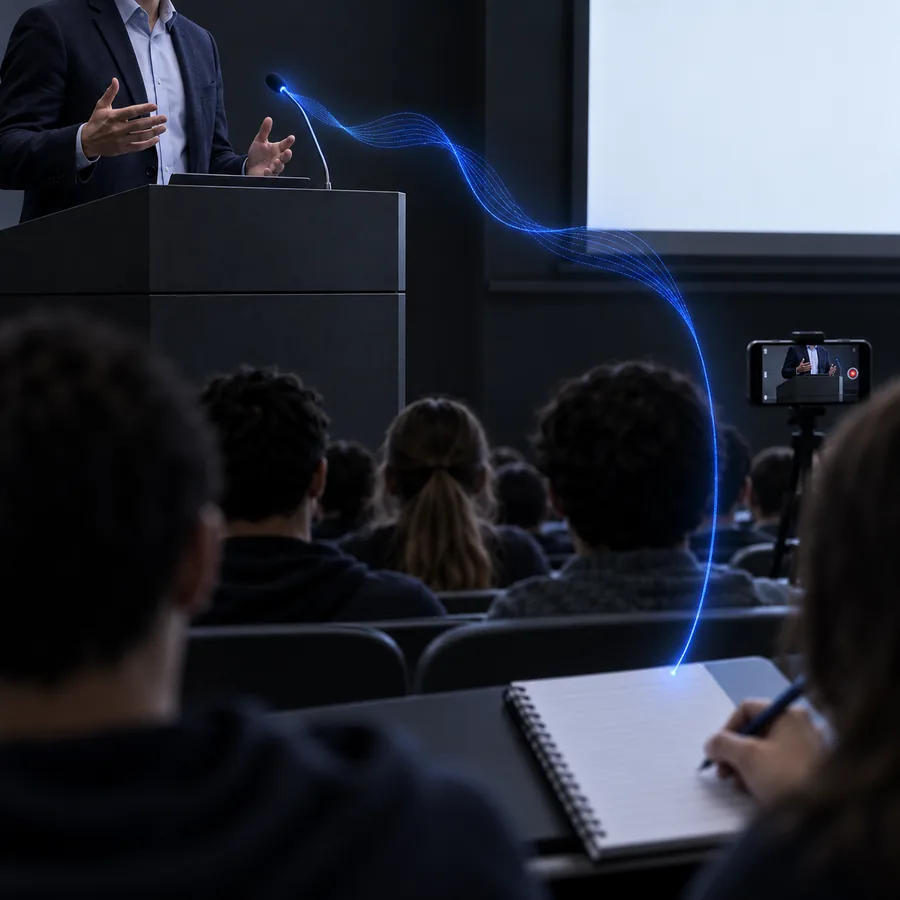
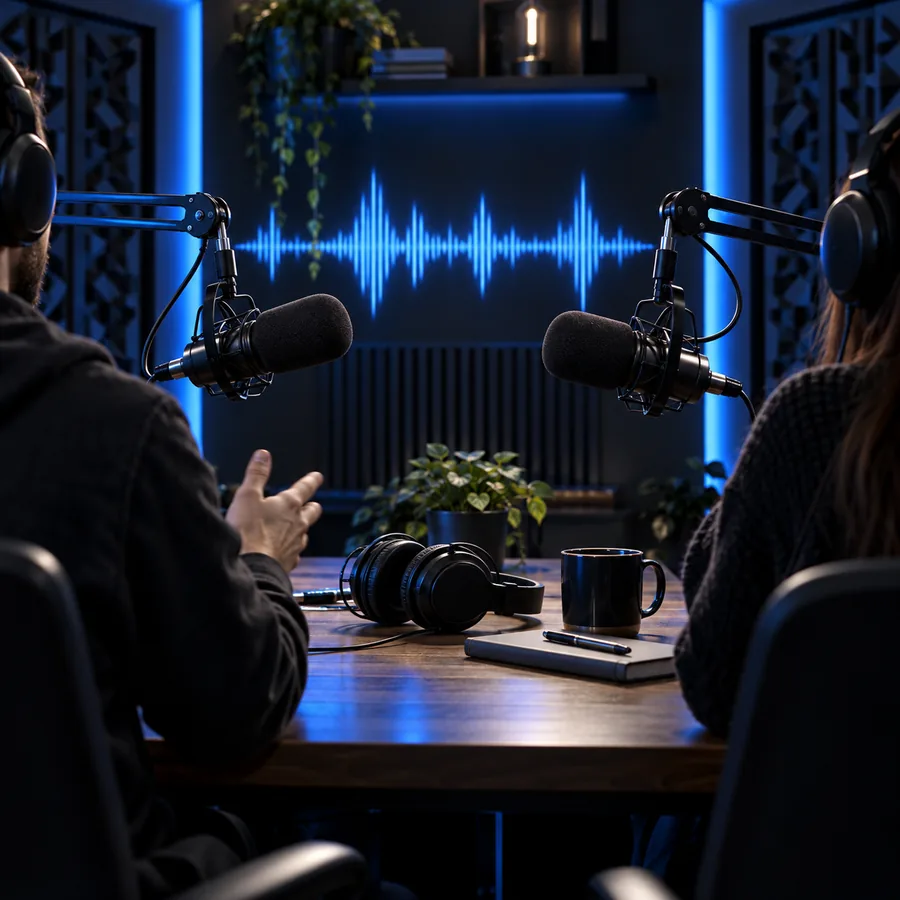
The recording carries images and sound together; the transcript turns audible speech into lines of text. Drag the divider to compare the two ways of viewing the same task.
These illustrations show the source and output workspaces, not a frame-by-frame conversion preview.
Use the original video for visual evidence and the text for finding and editing spoken passages. Neither format replaces every feature of the other.
Video recording
Heard in the audio track
Text transcript
Written as words for reading and search
Video recording
May be apparent from voice or image
Text transcript
Needs accurate speaker labels to remain clear
Video recording
Available through playback
Text transcript
Only visible when timestamps are included
Video recording
Visible in the frames
Text transcript
Absent unless separately described
Video recording
Conveyed by delivery
Text transcript
Often reduced to punctuation or omitted
Video recording
Requires navigating a recording
Text transcript
Words can be revised and quoted directly
A transcript makes speech easier to use, but silent demonstrations, gestures, and slide content still require the video. Choose a companion workflow when those details matter.
A recorded conversation needs quotable passages, but a nod or pointing gesture changes the meaning of an answer.
Check each quote in context. For a recording without pictures, transcribe audio to text to focus on speech alone.
transcribe audio to textA performance clip includes lyrics and instruments; a speech transcript will not describe the notes being played.
Use the original performance for sound and explore how to transcribe music when the musical material is the subject.
transcribe musicA screen recording contains decisions spoken aloud and figures visible only on shared slides.
Add slide references after reviewing the video; see transcribe work for ways to organize workplace recordings.
transcribe workA lecture recording combines spoken explanations with equations written silently on a board.
Pair the transcript with notes from the frames. Transcribe examples free shows how sample text can be structured.
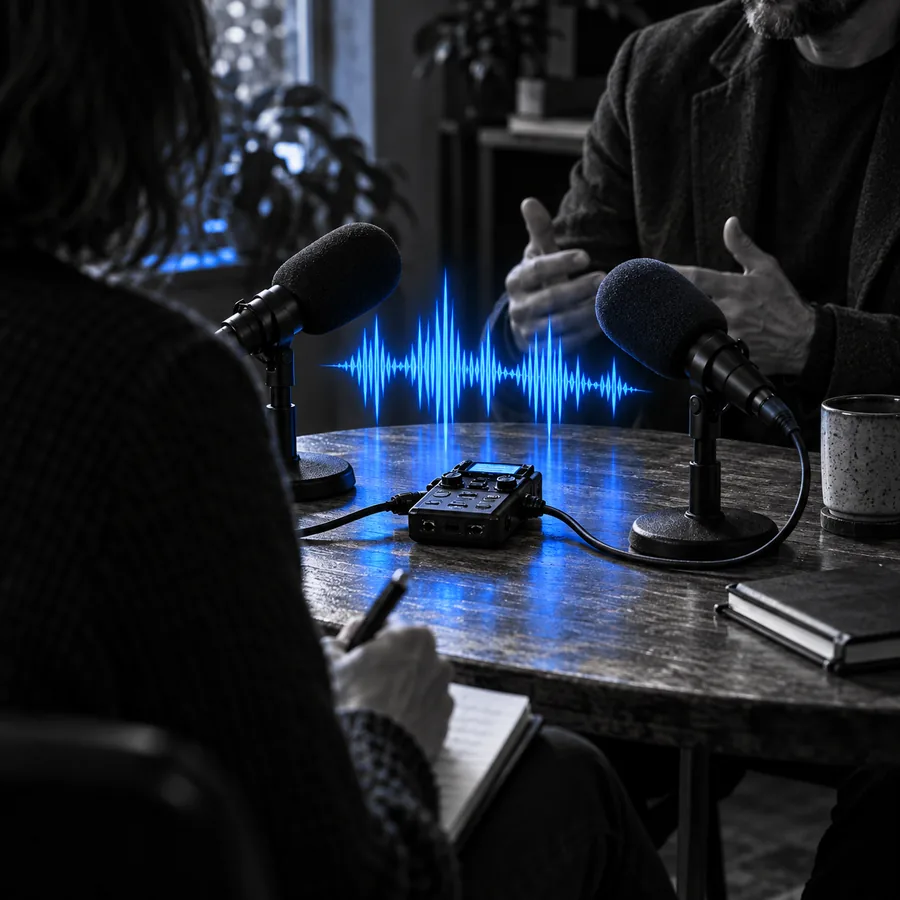
transcribe examples freeThe examples below illustrate output formats to request or assemble. Check the actual recording before treating any speaker name, timestamp, or quotation as final.
 Dialogue
 Speakers
 Timing
If your source or editing destination differs, these nearby guides narrow the workflow before you begin.
Start with an online transcription workflow when you want to work from a browser.
Follow an audio-first walkthrough when there is no visual track to inspect.
Prepare spoken text for a Word document when document editing is the final step.
Transcribe the video, then compare the written result with playback rather than relying on a clean-looking page.
Play the opening, middle, and ending, then revisit any passage with background noise, overlapping voices, or an abrupt cut.
Confirm proper names against what you hear and watch for speaker changes that the text may have merged or assigned incorrectly.
If you need citations, compare timestamps with playback. Add separate notes for on-screen details that speech alone does not explain.
Begin with a clear recording, request the transcript format you need, and verify important passages against the source. Keep visual observations in separate notes so readers can tell speech from scene description.
Yes. A speech transcript records spoken words, while a visual description records what appears on screen. If the visuals matter, add clearly marked scene notes rather than presenting them as dialogue.
It depends on the output you request and what the tool provides. If timestamps are important, ask for them and check several against playback before sharing the text.
Request separate speaker turns, then listen to transitions and overlapping speech. Replace uncertain labels with neutral identifiers until you can confirm who spoke.
Start with names, numbers, and sections where voices overlap or background sound is loud. Then compare any quotation you plan to publish with the original recording.