Choose the recording
Pick the meeting, interview, or handoff audio and note its date, participants, and purpose. If several conversations are involved, keep their records separate.
Workplace recordings
Use transcribe work as a starting point for meeting notes, interviews, and handoffs. Review the words, identify who said what, and separate decisions from discussion before sharing.

Start with a recorded conversation when you need a written version you can check against the audio.
Explore live transcription when notes need to appear while a conversation is happening.
Follow a document-focused workflow when the final record needs to be edited in Word.
A draft transcript helps you find information, but it does not settle disputed wording, establish consent, or turn every suggestion into an approved decision.
Overlapping voices, similar voices, and people speaking away from a microphone can make attribution uncertain.
WorkaroundCheck the recording at each speaker change and use names only when you can verify them.
A spoken proposal may sound like an agreement when the surrounding discussion is missing.
WorkaroundConfirm decisions and owners with the people involved before circulating an action list.
A transcript may contain personal information, client details, or confidential plans.
WorkaroundCheck workplace rules and recording consent, then remove material the intended readers do not need.
Keep the source recording available through review. The text is easier to use when edits can be traced back to what was actually said.
Pick the meeting, interview, or handoff audio and note its date, participants, and purpose. If several conversations are involved, keep their records separate.
Request a transcript before asking for a summary. Preserve uncertain passages rather than replacing them with plausible wording, especially around names and figures.
Replay unclear moments, correct speaker labels, and pull confirmed decisions and assigned actions into a distinct section. Share only the version appropriate for its audience.
A searchable record and a useful work note are related, but they answer different questions. Keep both when the exact wording may matter later.
Reviewed transcript
Records what participants said
Action-oriented notes
Shows what the team needs to know or do
Reviewed transcript
Identifies speakers where verified
Action-oriented notes
Names the decision-maker or task owner where confirmed
Reviewed transcript
Flags unclear words for replay
Action-oriented notes
Leaves unresolved items open rather than guessing
Reviewed transcript
Preserves the discussion around a decision
Action-oriented notes
States the agreed decision separately
Reviewed transcript
Captures spoken requests and commitments
Action-oriented notes
Lists confirmed actions, owners, and stated deadlines
Reviewed transcript
Compare disputed wording with the recording
Action-oriented notes
Ask participants to confirm consequential takeaways
The same recording can serve different readers. Choose the output that matches the task, then check the details that reader will rely on.
A planning call contains open questions, proposed dates, and several possible owners. Keep proposals distinct from decisions so the follow-up does not assign work prematurely.
A reviewed record plus a short list of confirmed actions, named owners, and unresolved questions.
transcribe audio to textAn interview includes quotations that may be used in a report. Preserve the speaker’s wording and replay passages where a name, number, or qualification is unclear.
A checked transcript with attributable quotations and visible uncertainty where verification is still needed.
how to use transcribe audioA team needs to revise a conversation record alongside other written materials. Keep the transcript separate from editorial notes so changes remain easy to spot.
An editable document that distinguishes spoken content from later corrections and summaries.
how to transcribe audio to text in wordA microphone and a document represent the input and output; the quality bar lies in the review between them.
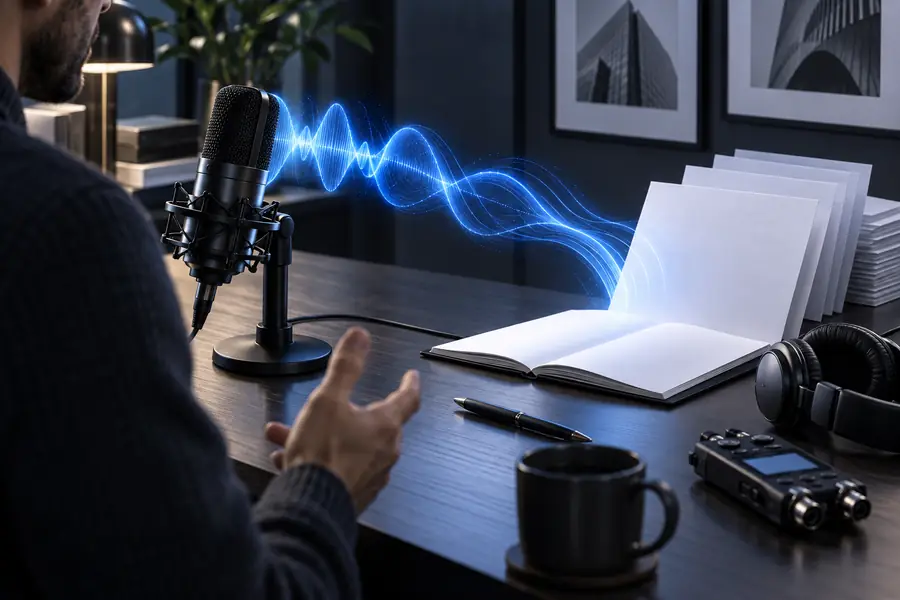

These are workflow illustrations, not a claim that a particular recording produced the pictured document. Before sharing, replay unclear speech, verify names and figures, and label any summary as a summary.
When you transcribe work conversations, common rework comes from guessed speaker names, numbers copied without context, and tentative ideas presented as commitments. Check those passages against the recording first. Keep uncertain text marked until it is resolved, and ask the relevant participant to confirm an action before treating it as assigned.
Include the spoken content, a date or meeting identifier, and speaker labels you can verify. Mark unclear words rather than silently filling them in. Decisions and action items can sit in a separate notes section.
A transcript records speech; minutes usually select decisions, attendees, and agreed actions. Review the recording and confirm consequential details with participants before treating the notes as an official record.
Follow your organization’s recording, retention, and sharing rules before submitting audio to any tool. Limit access to the resulting text and remove sensitive details that the intended reader does not need.
Overlapping speech can make both words and speaker labels unreliable. Replay the affected passage and mark anything you cannot verify as unclear. Do not assign a statement to someone solely because the surrounding conversation suggests it.
Send the format the recipient needs and is permitted to receive. A checked transcript is useful when exact wording matters; a concise summary is easier to scan for confirmed decisions and next steps. Label each clearly so readers do not mistake edited notes for verbatim speech.