Capture and locate the audio
Record in a quiet place when possible. Give your Android recording a recognizable name, then confirm that you can play it and access it from the workflow you plan to use.
Phone recording workflow
To transcribe for android, start with a recording you can access on your phone, then check the resulting text against what you heard. This guide shows where transcription fits between capturing audio and sharing usable notes.
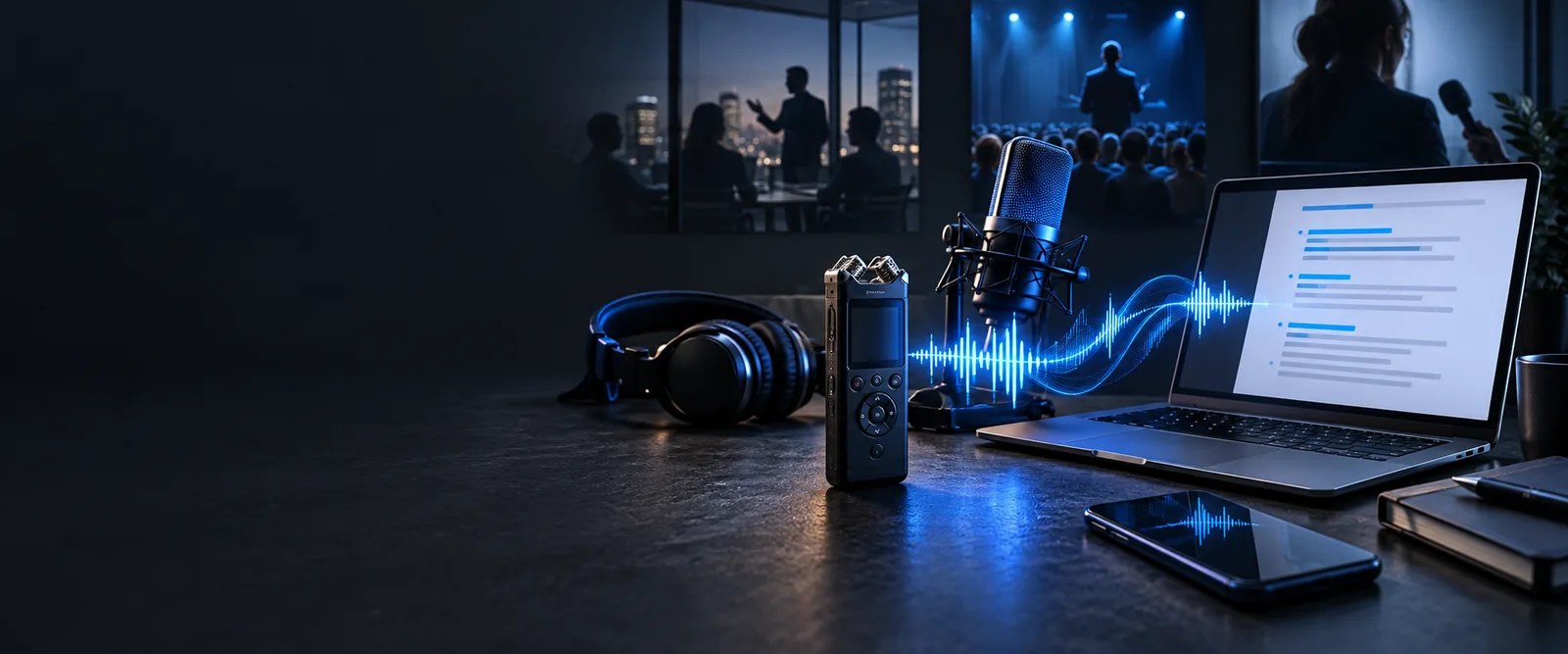
A recording, a live conversation, and a file already saved on your phone call for different workflows. Choose the route that matches the audio you actually have.
Follow the recording-to-text path when you already have an audio file.
See the browser-based route before moving a phone recording to another device.
Compare the live-speech workflow with transcribing audio after the conversation.
On Android, people often record first and sort out the words later. The handoff from a phone recording to readable text has a few practical boundaries.
Traffic, overlapping voices, distance, and a quiet speaker can leave gaps in the recording. A transcript may look fluent even where the sound is unclear.
WorkaroundListen to doubtful passages again and mark words you cannot verify instead of guessing.
An Android app may store a recording privately or restrict sharing. If you cannot open or export the audio, a separate transcription workflow cannot use it.
WorkaroundCheck the recording app's share or export options and keep an accessible copy.
A phone-friendly transcription route and a native app are different things. Browser behavior, file selection, and microphone permissions depend on your device and browser.
WorkaroundCheck the available input options before recording something you need transcribed immediately.
Transcription belongs after you have usable audio and before you send notes onward. Treat its output as a draft to check, not as a replacement for listening.
Record in a quiet place when possible. Give your Android recording a recognizable name, then confirm that you can play it and access it from the workflow you plan to use.
Describe the result you need: verbatim speech for a quote, or cleaned-up wording for personal notes. To transcribe for android without losing context, ask for unclear words to be marked rather than silently filled in.
Replay names, figures, dates, and passages with multiple speakers. Correct the text, preserve uncertainty where the recording is ambiguous, and only then copy it into your notes or message.
The change is not simply audio becoming words. A useful result keeps enough context for someone else to understand and verify what was said.
Phone recording alone
Replay or scrub through the recording to locate a remark.
Reviewed text deliverable
Scan the text for the relevant passage, then check it in the audio.
Phone recording alone
Recognize voices by listening and remembering the conversation.
Reviewed text deliverable
Add speaker labels only where the voices can be distinguished reliably.
Phone recording alone
Easy to mishear when replaying quickly.
Reviewed text deliverable
Verify against the recording and other reliable context before sharing.
Phone recording alone
Noise or overlap remains part of the audio.
Reviewed text deliverable
Mark uncertain words or passages rather than inventing a clean sentence.
Phone recording alone
Requires another listen to capture exact wording.
Reviewed text deliverable
Keep a verbatim passage when precise wording matters.
Phone recording alone
The recipient must play the file to learn what it contains.
Reviewed text deliverable
Copy a checked excerpt or summary while retaining the original audio for reference.
Aim for text that a reader can use without mistaking a transcription guess for a confirmed fact.
These illustrations show the workflow, not a guaranteed app screen. A sound deliverable includes the spoken content, clearly marked uncertainty, and speaker labels only where supported by the audio; retain the recording for checks.
Start with audio you can access, request the level of detail you need, and review the text before you share it. Keep the recording close when accuracy matters.
A browser-based workflow may let you work from your phone without installing a native app, but available file and microphone options vary. First check that your recording can be opened or shared from its original app. Review the resulting text against the audio.
A saved recording and live transcription are different workflows. For a live conversation, check whether the tool accepts microphone input before relying on it. If you record for later review, follow the consent rules that apply where you are.
Ask for speaker separation, then verify each label by listening. Similar voices and overlapping speech can make assignments unreliable. Leave a speaker unidentified when the audio does not support a confident label.
Replay passages containing names, numbers, technical terms, or unclear speech. Correct only what you can support from the recording or another reliable source. Mark anything still uncertain so a reader does not mistake a guess for an exact quote.