transcribe

Music transcription

What can transcribe music software actually produce?

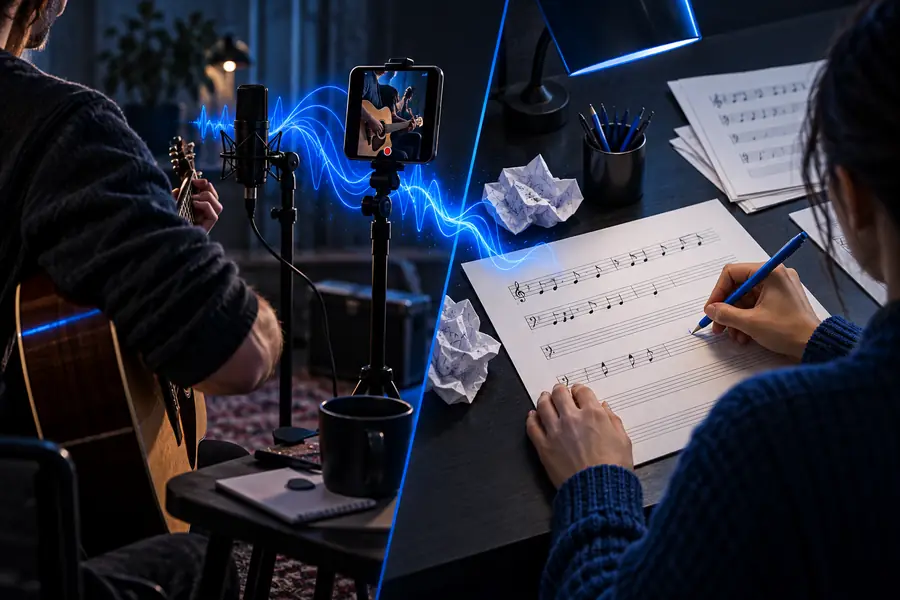
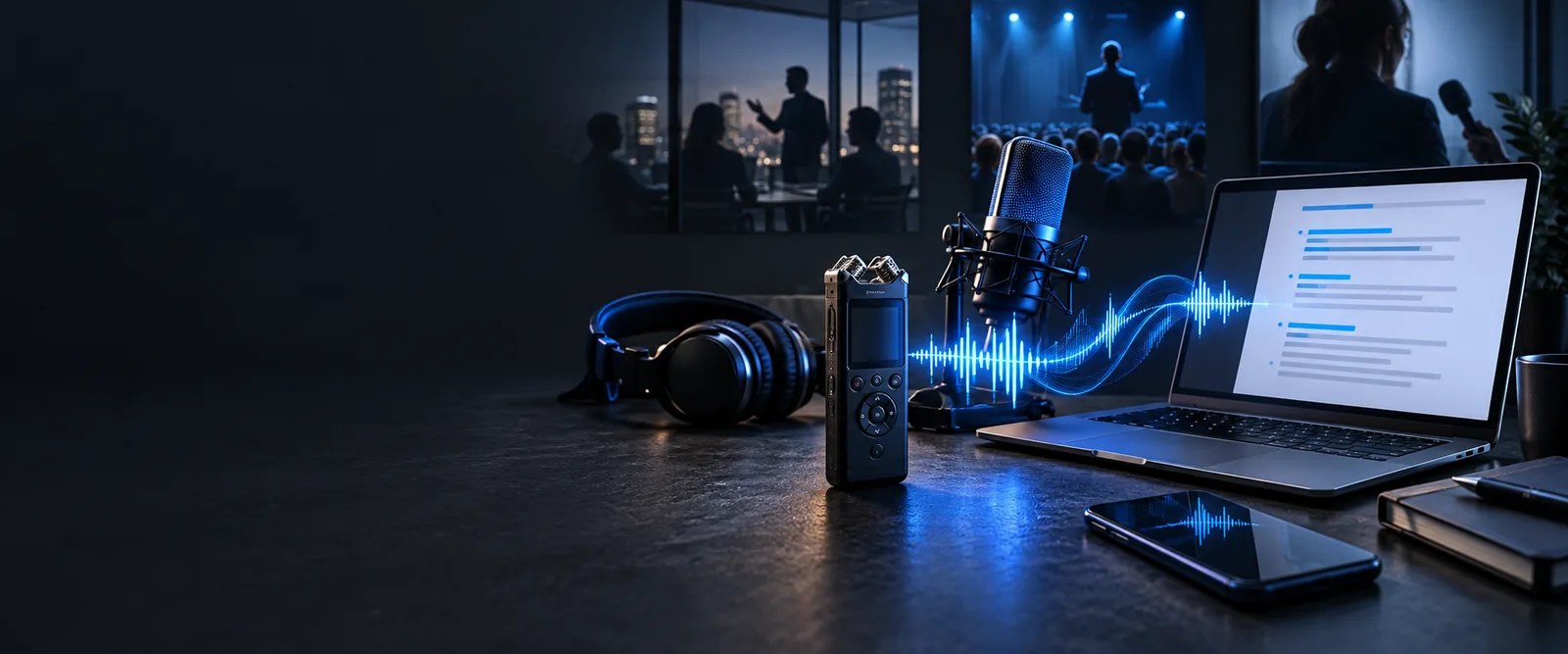
Transcribe music software can mean two different things: turning audible words into text or working out notes and chords from a recording. Choose the output you need before you start; a readable lyric transcript is not the same as sheet music.

Check the result against the recording
Audio transcription workspace

Choose the result you need

Different listeners can use the same recording and still need completely different outputs.

Songwriter

You have a rough vocal demo and need a draft of the words. The transcribe music guide helps you separate lyrics from instrumental details.

A lyric draft to verify by listening line by line, especially where the vocal is quiet.

transcribe music

Podcast editor

An episode has an opening song, but the deliverable is the host's dialogue. The transcribe audio to text workflow keeps attention on speech.

A readable dialogue transcript with the song identified rather than invented as speech.

transcribe audio to text

Choir director

A rehearsal recording contains spoken instructions between performances. A transcribe tool can draft those instructions, not the singers' pitches.

Notes about what was said, followed by manual checking against the rehearsal.

transcribe tool

Video creator

A performance clip needs accessible captions for an introduction and a sung passage. The transcribe video to text guide covers the video-first task.

A text draft that can be timed and corrected before it becomes captions.

transcribe video to text

One full run-through

Take a demo with a spoken introduction and a sung chorus: transcribe the words first, then handle the music separately.

Pick a clean passage

Listen once and identify where the speaker talks, where the singer begins, and where instruments cover the voice. Work from the clearest available recording rather than a noisy playback captured through another device.

Request a word draft

Describe the desired output as spoken introduction and sung lyrics. Ask for uncertain words to be flagged. Do not ask a speech transcript to stand in for melody, chords, or notation.

Check and split the outputs

Replay each line while correcting the draft. If you also need the chorus melody, use a separate note-transcription method and verify each pitch against the recording.
Options table

Think of these as output options, not interchangeable promises from a single piece of software.

Words are not notes

A transcript can capture an intelligible lyric but cannot represent its melody, rhythm, or harmony as sheet music.

WorkaroundUse notation-focused software or enter the notes by ear when a score is the deliverable.

A mix is not isolated vocals

Loud instruments and effects can hide consonants, so software may replace an unclear lyric with a plausible-sounding guess.

WorkaroundUse a cleaner vocal recording if available and mark words you cannot confirm.

A chord label is not a full arrangement

Even a useful chord estimate leaves out voicing, instrumental parts, and performance details.

WorkaroundTreat chord suggestions as a starting point and check changes on an instrument.

Recording and request

Music transcription software visual
Music-to-text output visual
Written draft to verify

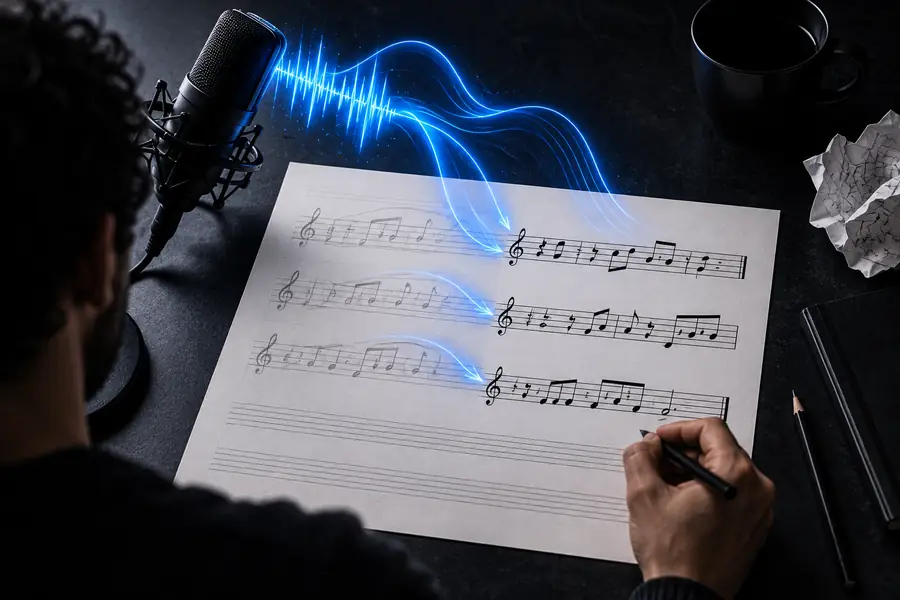
The useful before-and-after change is an editable word draft, not an automatic conversion of a full arrangement into sheet music.

What fails

Compare the two tasks before choosing an output. The main failure is expecting a speech transcript to answer a notation question.

Word transcription Music notation work
1

Intended result

Word transcription

Spoken dialogue or intelligible lyrics

Music notation work

Pitches, rhythm, chords, or a score

2

Best source

Word transcription

A clear voice with limited background music

Music notation work

A clear instrumental line or isolated part

3

Useful for

Word transcription

Drafting words for review or captions

Music notation work

Studying or performing a musical passage

4

Common error

Word transcription

Misheard words in a dense mix

Music notation work

Wrong pitches or missed overlapping notes

5

Human check

Word transcription

Replay and correct each uncertain phrase

Music notation work

Play back or perform the proposed notes

6

Not a substitute for

Word transcription

A verified lyric sheet or timed captions

Music notation work

An accurately edited arrangement

Start with the words you can hear

Use transcribe to draft spoken passages or clear lyrics, then compare every uncertain line with the recording. If your goal is sheet music, keep that as a separate notation task.

  • Specify dialogue, lyrics, or both
  • Flag unclear words instead of guessing
  • Verify the draft by listening

Its own FAQ

Notation-focused software can help estimate notes from some recordings, especially a clear single-instrument line. A full mix with several overlapping parts usually needs substantial listening, correction, and arrangement work.

Choose a speech-to-text workflow when the desired output is words rather than pitches. Review the draft against the audio because singing, backing vocals, and instruments can make individual words hard to recognize.

It can be the source for both tasks, but lyrics and chords are different outputs that need different checks. Verify each lyric by listening and test proposed chord changes on an instrument.

Instruments can mask consonants, while sustained notes and effects alter how a word sounds. A cleaner vocal source helps; otherwise, label the passage uncertain instead of treating a confident-looking guess as fact.

Try transcribe
Try transcribe